01
Reopen where you were
Finder reopens to the last real folder you were using — not a generic start point, not a detour.
Open Finder and pick up where you left off — same folder, same view, same window, and the same monitor in multiple-monitor setups. No more starting over. No more fighting Finder.
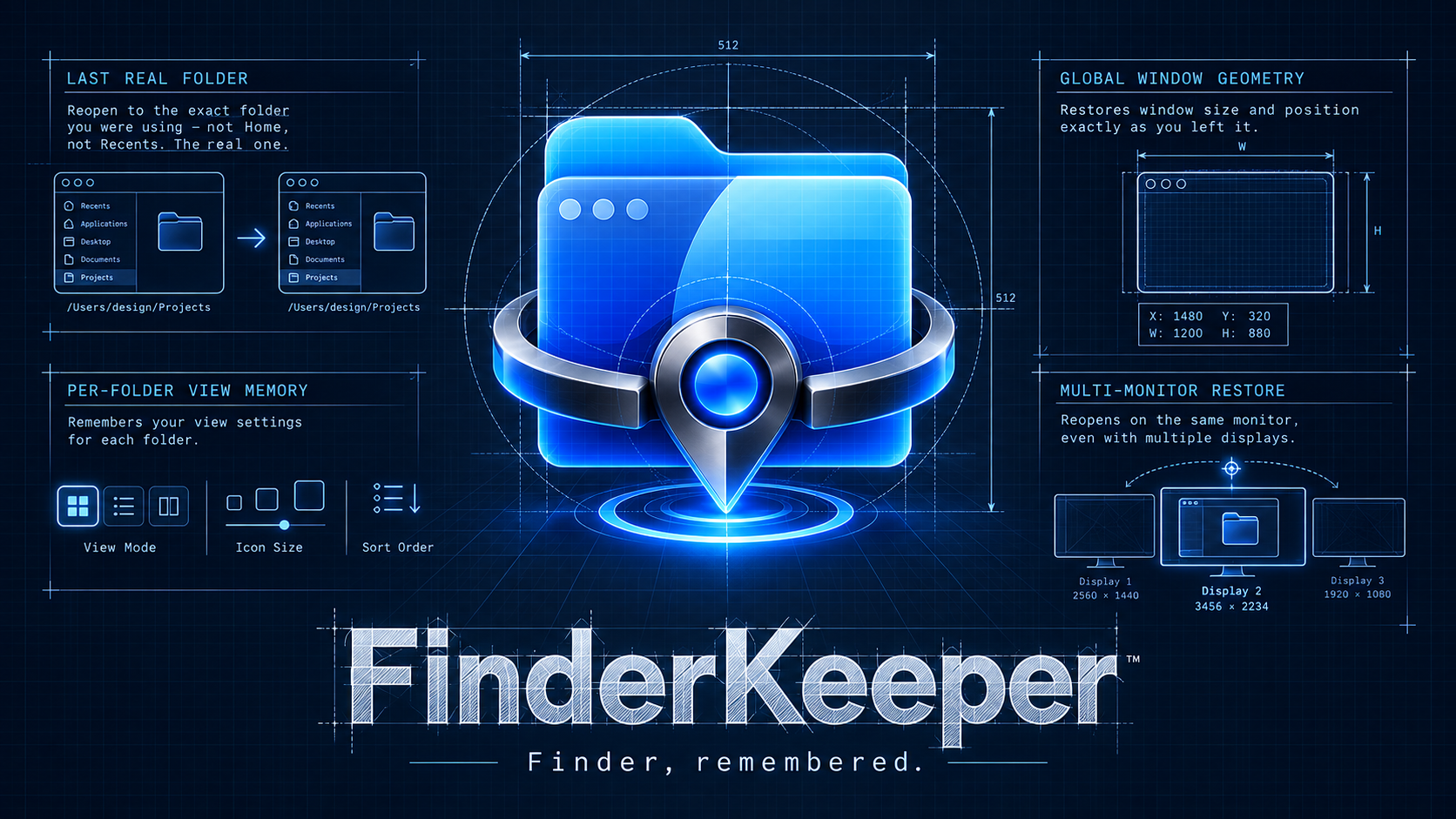
FinderKeeper isn’t about adding noise. It’s about removing the little reset moments that break flow: losing your place, losing your layout, reopening on the wrong display, and doing the same setup work again.
Finder reopens to the last real folder you were using — not a generic start point, not a detour.
Window position, size, and monitor placement are remembered globally, so Finder returns to the display where you were working.
FinderKeeper remembers how folders are set up, so the view you prefer stays with the folder instead of getting reset.
FinderKeeper uses a deliberate model: global geometry for the Finder window itself, and per-folder memory for view behavior. That means no annoying window jumps while browsing between folders.
Finder window position, size, and display placement are remembered as an overall Finder state and restored when Finder reopens.
Remembers view mode, sorting, path bar, status bar, sidebar width, icon arrangement, and column-view preview settings for real folders.
FinderKeeper can start automatically so Finder feels better every day without you having to think about it.
In multiple-monitor setups, FinderKeeper brings Finder back to the same monitor you were using.
FinderKeeper remembers real Finder folders. Because Recents is a dynamic Finder view rather than a normal folder, it never replaces your last real location. Open Finder again and FinderKeeper returns you to the actual folder you were using.
FinderKeeper doesn’t permanently take over Finder. If FinderKeeper is paused, quit, or not running, macOS Finder simply returns to its normal native behavior.
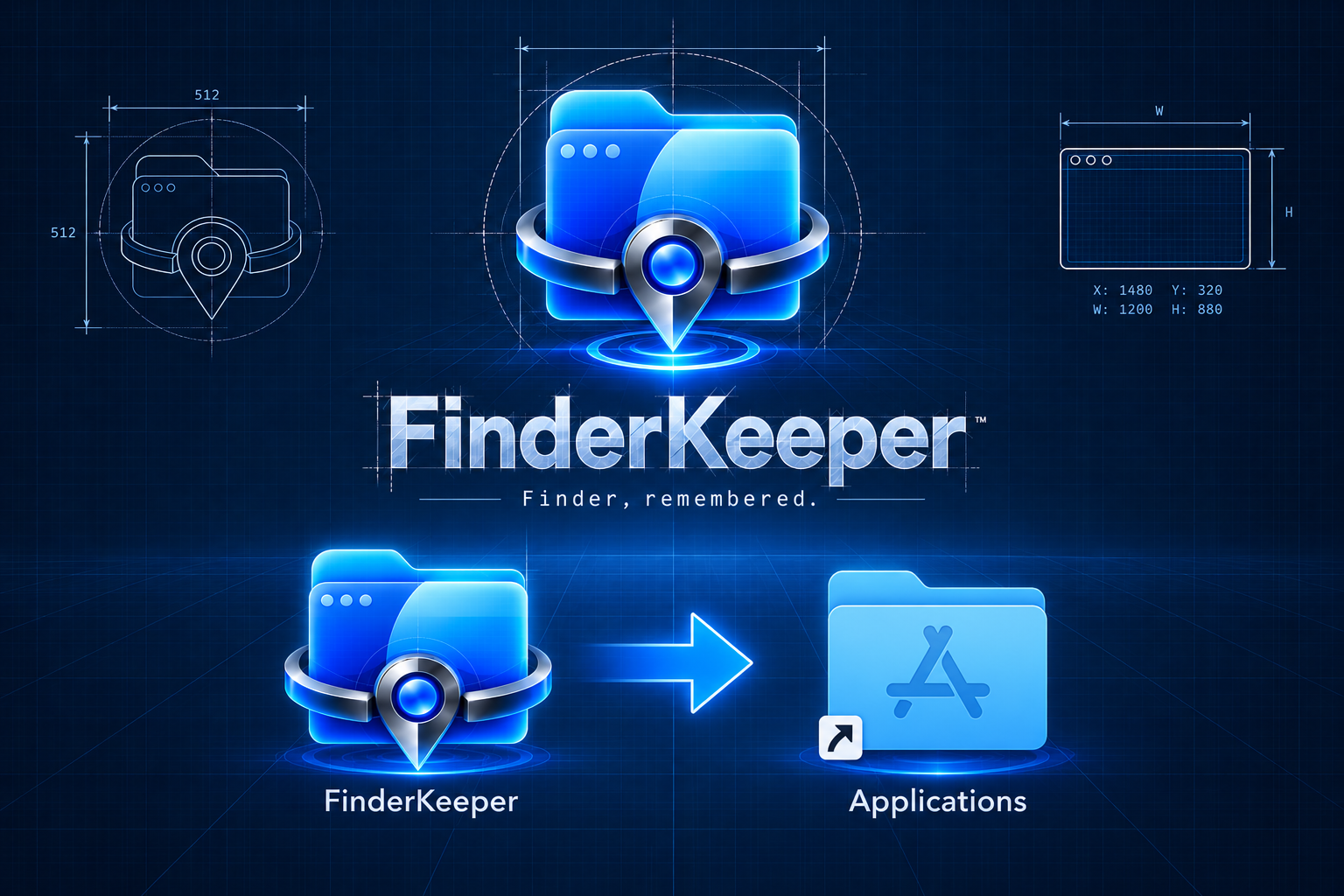
Installing FinderKeeper is simple: open the downloaded DMG, then drag FinderKeeper into the Applications folder. Once copied, launch it from Applications and FinderKeeper is ready to run.
No. FinderKeeper adds memory while it’s running. Quit it, and Finder goes right back to normal native behavior.
It remembers the last real folder used for Finder reopen, global window geometry, and per-folder view behavior for ordinary folders.
Yes. FinderKeeper remembers the same monitor in multiple-monitor setups as part of the saved window geometry.
Recents is intentionally treated differently because it is a dynamic Finder view, not an ordinary filesystem folder.
Open Finder and pick up where you left off — same folder, same view, same window, and the same monitor in multiple-monitor setups. No more starting over. No more fighting Finder.